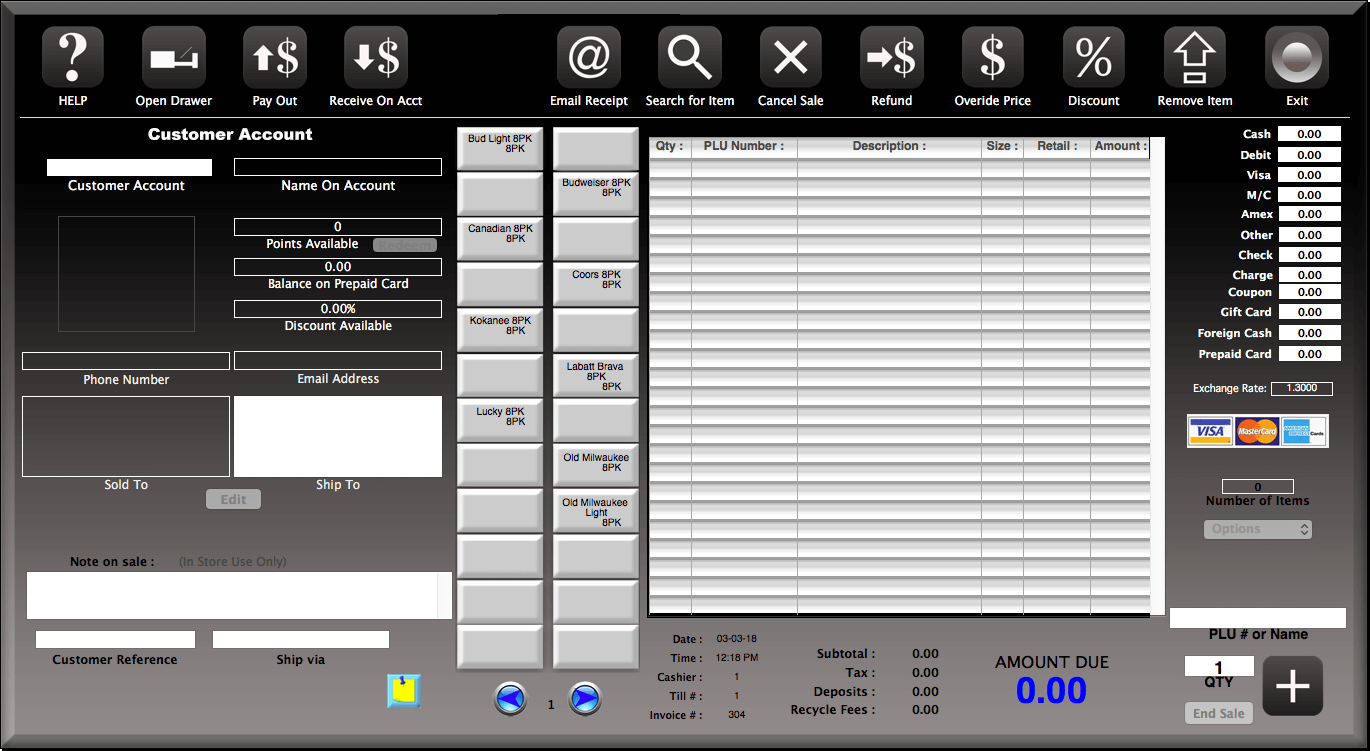
This is the Invoice screen. Very similar to the cash register screen except it is focused on making sales to customer accounts, particularly businesses that need more information and a full page receipt.
Everything you need to make a sale is on one screen.
All the relevant information on the customer is diplayed. You can even edit the information.
Multiple tenders are available.
Options available for having a sale without tax, set in training mode or use cost plus for arriving at the selling price. Cost of the item plus a percentage set in the customer's account record.
There are Quick Entry buttons for entering items simply by touching or clicking on the button. You can have up to 96 of these buttons on 4 different pages of buttons.